







Enterprise CRM software: features, use cases, and best platforms

Nov 19, 2026 13 min read
logo image.
Head of CRM Practice
Verified expert
Every article at Innowise is created by authors with real-world experience. They understand the topic beyond theory and bring insight from real projects.
5+ years of experience
Verified expert
5+ years of experience
Raman leads CRM and Microsoft Dynamics 365 projects across insurance, automotive, and manufacturing. He specializes in CRM consulting, data architecture, delivery management, and the development of ERP and CRM expertise.
Expertise
CRM Microsoft Dynamics Delivery management
Let's talk

Key takeaways

  • Compare named editions and required modules. A sales subscription may leave marketing, service, or quoting outside the price.
  • Test your CRM connection under realistic workloads, including failed requests.
  • Price AI usage separately from user seats where the vendor meters it.
  • Choose on the strength of a working pilot and a three-year budget.
Summarize article with AI

You can sit through a dozen enterprise CRM demos and come away with twelve branded tote bags and no clearer idea of what to buy.

Every platform looks convincing when the vendor is driving. But how will it handle your sales processes, regional differences, and departments that each have their own version of the same customer?

Here’s how the leading options compare and what would make each a good fit for your company.

What is enterprise CRM software?

Enterprise CRM software is customer relationship management software designed to manage customer data, interactions, and workflows at the scale and complexity of large organizations. It supports coordination across teams, business units, and regions through configurable workflows, granular access controls, consolidated reporting, and integrations with other business systems.

Benefits of CRM for enterprise organizations

Enterprise CRM gives teams a clearer view of sales and helps them work together with fewer delays. Here’s what that looks like at companies using it.

BenefitWhat changes
Better visibility and forecastingManagers can review deals across teams using shared sales stages and reporting rules. This makes it easier to spot stalled opportunities and understand what’s behind each team’s forecast.
Higher productivityEmployees spend less time copying information between systems or asking colleagues for updates. Assigned tasks and shared records help work move between sales, finance, and support with fewer handoff delays.
Support for customer retentionTeams can review purchase history and unresolved issues before contacting a customer. That context helps them follow up on relevant needs and address service problems before a renewal conversation.
Support across regionsCompanies can reuse established workflows when adding regional teams, while allowing for local languages, currencies, and approval requirements. Central reporting gives management a view across markets.

Still chasing customer updates across spreadsheets and systems?

Key features of enterprise CRM platforms

The key features of enterprise CRM platforms in 2027 cover sales, marketing, customer service, and the controls needed to manage them across teams. Here’s what each feature does and where it fits into daily work.

Order & shipping icon.

Sales and account management

Sales tools keep customer records, deal progress, and forecasts in one place. Enterprise requirements also include account hierarchies: one customer may have several subsidiaries, each with its own buyers and sales representatives. The CRM needs to preserve those separate relationships while showing the parent account’s overall sales activity.

marketing icon.

Marketing campaigns and lead follow-up

Marketing tools group contacts by shared characteristics, manage follow-up campaigns, and track how leads become customers. For example, a product inquiry can trigger an email sequence and later a handoff to sales. These functions may belong to a separate marketing product rather than the sales subscription.

post development icon.

Customer service and support

Service tools organize customer requests into cases with an owner, status, and response deadline. Escalation rules move overdue or complex issues to the appropriate team. Shared conversation histories help employees pick up an existing issue, while knowledge bases and customer portals support self-service.

machine learning icon.

AI tools and agents

AI features can summarize conversations, draft messages, and score leads. Agents go further by performing tasks, such as updating records or following up with prospects. Their access depends on configured permissions, and sensitive actions may require human approval. Availability and usage charges vary by subscription.
Technology stack icon.

No-code and low-code changes

No-code and low-code tools let administrators change forms, fields, and workflows through visual editors. Adding a field or approval step may require little coding; a complex connection to another system may still need developers. The available tools and resource allowances depend on the platform and edition.
Connections icon.

Connections, capacity, and security

Connections let the CRM exchange customer, order, and payment information with other business systems. Capacity limits determine how much activity those connections can handle. Security controls govern access across teams and business units, so a regional salesperson and a group sales director can have different views of the same customer base.

CRM for small business vs enterprise CRM solutions

Enterprise CRM typically addresses more complex organizational requirements. The same vendor may serve both segments through different editions, though.

Use this table as a requirements guide, rather than a fixed division between products.

CriterionEnterprise CRM requirementsTypical smaller-team requirements
StructureSubsidiaries, regions, account hierarchiesFewer teams and simpler ownership
ConfigurationApproval chains and tailored data modelsStandard pipelines and lighter changes
ConnectionsERP, billing, CPQ, legacy systemsEmail, calendars, accounting
GovernanceRegional access and central administrationFewer roles and administrators
DeliveryMigration rehearsals and phased deploymentSmaller initial scope
CostSeats plus substantial delivery and support workLower setup and administration effort
Show more
Security requirements also depend on the data involved. Assess access boundaries explicitly using models such as Dataverse’s role and business-unit controls. For a smaller scope, see our small-business CRM comparison.

Get help choosing the CRM features your business needs

Enterprise CRM software comparison

I selected these best enterprise CRM systems 2027 for their enterprise controls, connection options, documented deployments, and different approaches to sales operations. This is a documentation-based shortlist and all the recommendations are my editorial judgments.

Pricing reviewed October 30, 2026, for 2027 planning. Figures are USD per full user/month unless stated otherwise. They exclude taxes and project delivery.

Platform reviewedBest fitMain strengthMain trade-offPublished price
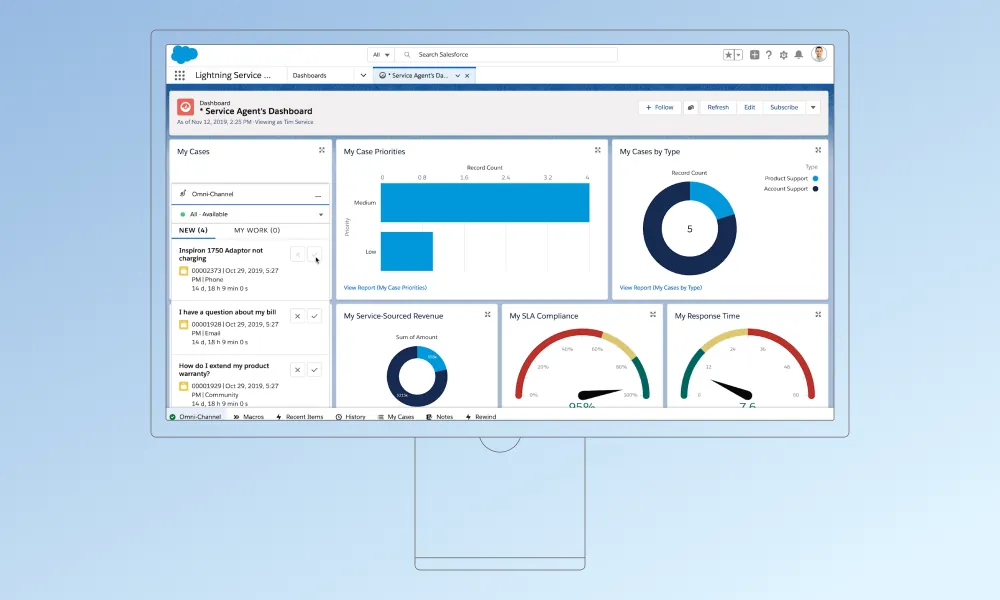
Salesforce Sales Cloud Core / AdvancedComplex sales organizationsExtensive configurationAdministration and extra product costs$195 / $395, annual billing
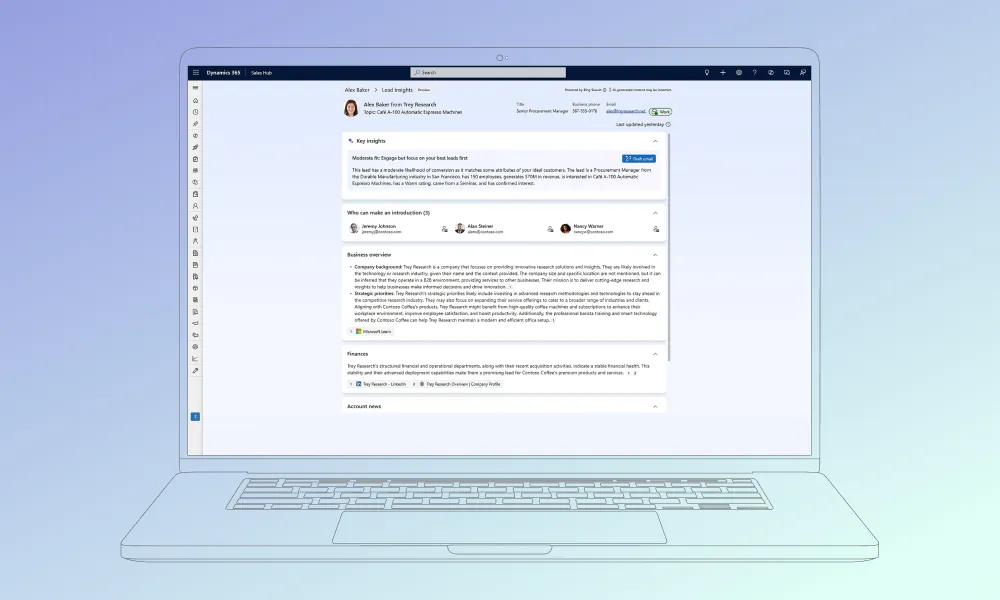
Dynamics 365 Sales Enterprise / PremiumMicrosoft environmentsDataverse and Microsoft connectionsLicensing across applications$105 / $150, paid yearly
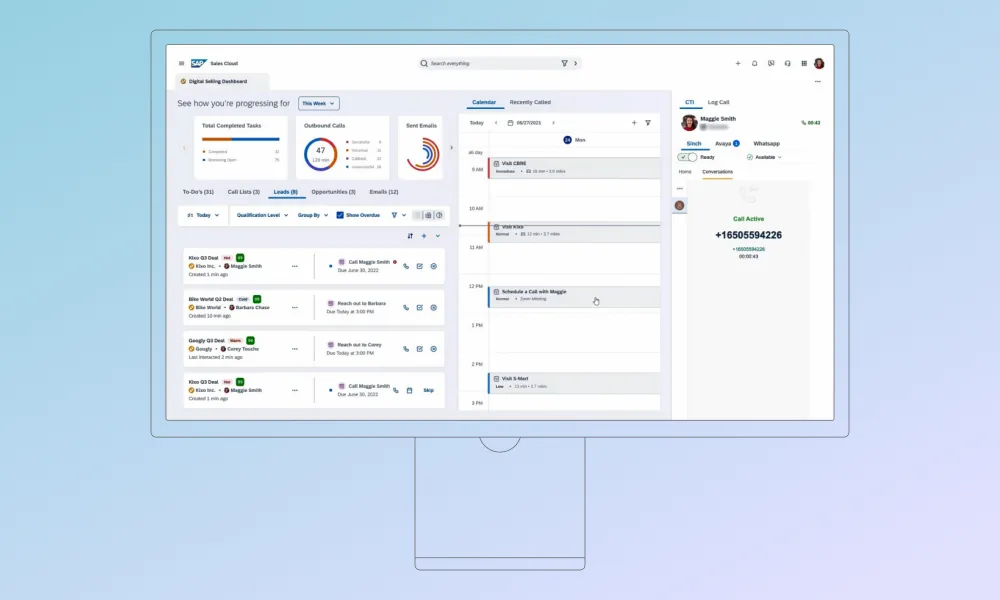
SAP Sales Cloud Version 2SAP-centered operationsSales-to-ERP processesBroader scope needs additional productsRequest quote
Creatio Enterprise + SalesFrequently changing workflowsVisual process designPlatform, products, and AI priced separately$90 combined
HubSpot Sales Hub EnterpriseShared sales and marketing operationsConnected customer recordsAdditional Hubs and capacity costs$150, annual billing
Zoho CRM Enterprise / UltimateCost-conscious sales operationsTerritory and process controlsEdition and usage limits$40 / $52, annual billing
Odoo Enterprise CustomCRM within an ERP programConnected operational applicationsDevelopment and hosting responsibilities$49 introductory; $61 regular
Oracle Fusion Cloud SalesOracle-centered revenue operationsConnections across revenue processesContract scope needs careful definitionRequest quote
Show more

Top 8 enterprise CRM platforms 2027

The best CRM for enterprise use depends on how your teams sell, which systems they already use, and how much configuration they can maintain. Below, I compare eight platforms, their enterprise editions, costs, and limitations to help you build a shortlist.

Overview and features: Core and Advanced support account management, opportunity tracking, activity capture, forecasting, and configurable sales workflows.

Pros: Broad configuration options; a route to additional sales and data products.

Cons: Extensive configuration requires specialist administration. AI features, extra data capacity, and related products can increase the total cost.

Pricing: Core costs $195; Advanced costs $395, billed annually. Agentforce usage and entitlements depend on the package.

Best for: Organizations prepared to maintain a heavily configured sales platform.

Real-world use case: Siemens uses Sales Cloud and two Agentforce agents for lead outreach and qualification. Salesforce reports that response time fell from days to minutes across approximately 2,500 in-scope monthly leads. The case doesn’t identify the subscription edition.

Overview and features: Enterprise and Premium offer opportunity management, forecasts, Microsoft 365 connections, Copilot summaries, and configurable processes. Premium adds further sales analysis and recommended actions.

Pros: Strong fit with Microsoft tools; shared Dataverse data.

Cons: Separate licenses for related applications complicate budgeting. Usage charges for agents add variable costs.

Pricing: Enterprise is $105; Premium is $150, paid yearly. Premium includes 1,000 Copilot Credits per license; running agents requires an Azure subscription.

Best for: Enterprises already using Microsoft identity, productivity, and business applications.

Real-world use case: Coca-Cola HBC connected Sales, Customer Service, and Customer Insights with SAP through Dataverse. Microsoft reports that customer creation moved from days to hours, while some record updates fell to seconds. The deployment spans several products.

Overview and features: Version 2 covers accounts, opportunities, pipeline management, mobile selling, and AI-assisted sales work. Review the functional specifications against your required release.

Pros: Worth shortlisting for SAP-connected sales processes; dedicated sales functionality.

Cons: Marketing and customer service require additional products. Connections to existing SAP systems still involve implementation work.

Pricing: Request a quote covering users, environments, AI entitlements, connection services, and contract duration.

Best for: Enterprises whose sales processes depend heavily on SAP operational data.

Real-world use case: ERCO adopted Sales Cloud Version 2 alongside Emarsys and SAP Business AI. SAP’s customer presentation describes connected customer data and better sales visibility, without a quantified return.

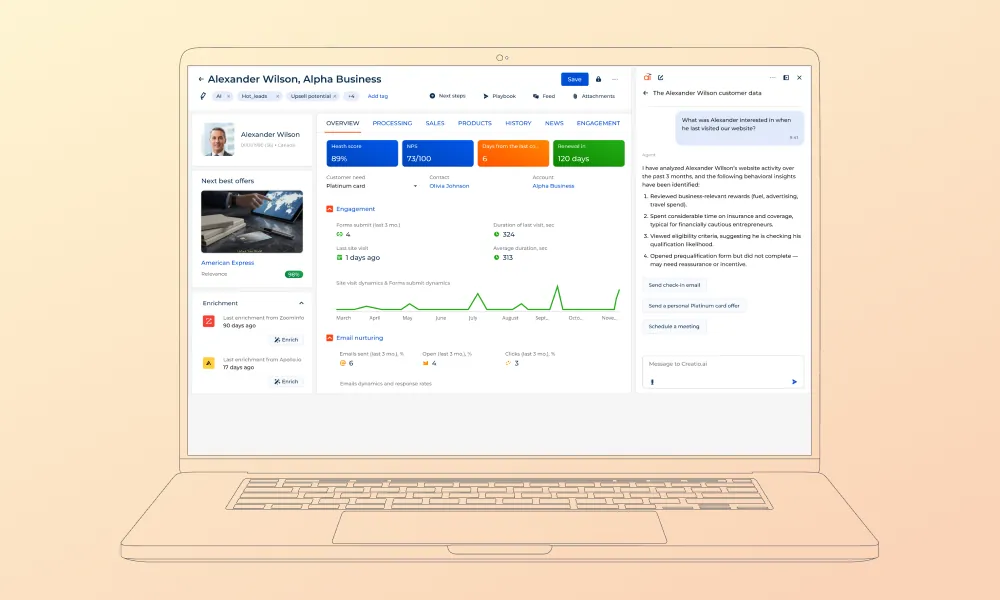
Overview and features: Enterprise plus Sales combines visual workflow design, lead management, opportunity tracking, forecasting, and quote-related processes.

Pros: Considerable scope for visual configuration; separately selectable CRM products.

Cons: Process and storage allowances can restrict heavier workloads. AI usage and support add costs beyond platform and Sales licenses.

Pricing: The published USD configuration is $75 for Enterprise plus $15 for Sales. New customers face a $10,000 annual minimum; the standard term is three years. AI packages cost extra.

Best for: Organizations with changing workflows and a team responsible for configuration governance.

Real-world use case: BSN Sports replaced disconnected internal tools with Creatio. Its customer story describes roughly 2,000 salespeople supported by three administrators and reports full sales-team adoption.

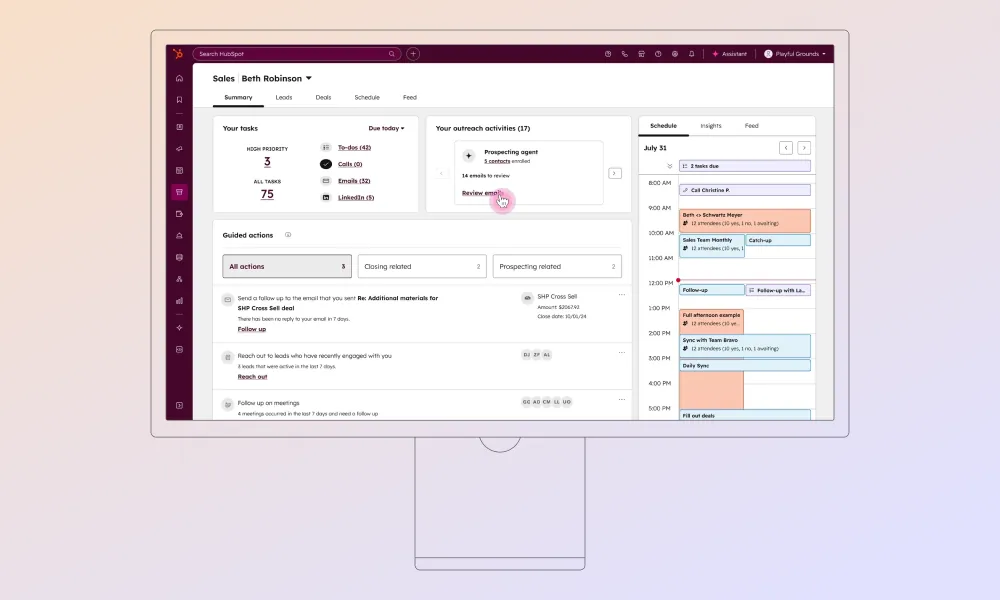
Overview and features: Enterprise offers sales workflows, forecasting, custom objects, permission controls, and conversation analysis. Check the edition catalog for individual limits.

Pros: Shared customer records across Hubs; sales outreach and pipeline tools in one workspace.

Cons: Adding marketing, service, CPQ, or billing capabilities increases subscription costs. Usage allowances can also mean extra capacity charges.

Pricing: $150 per Sales Seat/month, billed annually, plus $3,500 required onboarding. Check credit consumption and additional capacity.

Best for: Organizations consolidating sales and marketing work around shared customer records.

Real-world use case: Cold Jet moved lead management and forecasting into HubSpot’s CRM and Sales Hub. HubSpot reports a 66% reduction in first-touch outreach time. The case also names DealHub for CPQ; those results shouldn’t be attributed to Sales Hub alone.

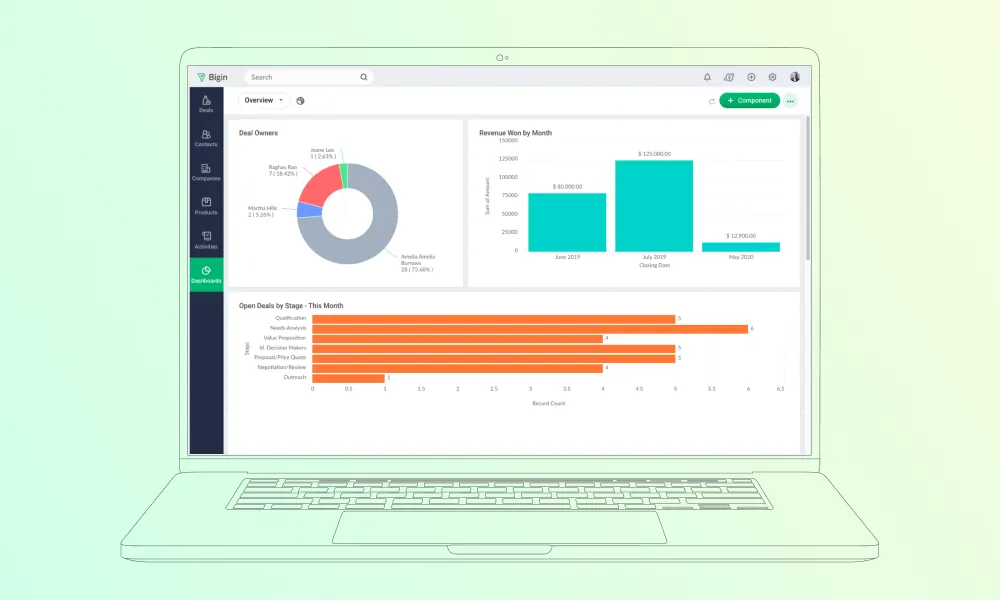
Overview and features: Enterprise includes territory management, Blueprint process controls, custom functions, portals, and Zia assistance. Ultimate raises limits and adds further services.

Pros: Lower published seat prices than several platforms here; extensive connections to other Zoho applications.

Cons: Edition-specific limits can require upgrades or paid capacity extensions. Supporting Zoho applications carry additional subscription costs.

Pricing: Enterprise is $40; Ultimate is $52, billed annually. Confirm regional availability, support, and capacity charges.

Best for: Enterprises seeking sales process controls at a lower seat cost, particularly within the Zoho ecosystem.

Real-world use case: Agappe centralized sales and service through Zoho CRM, with a tailored mobile application for field staff. Zoho documents connections to telephony, Desk, Analytics, and other applications, giving management a connected view of the business.

Overview and features: Evaluate CRM within the Custom plan for multi-company operations, Studio configuration, external API access, and connections to Odoo’s operational applications.

Pros: Broad application coverage; deployment choices including Odoo Online, Odoo.sh, and on-premises.

Cons: Custom modules need maintenance. Odoo.sh hosting and implementation sit outside the license price.

Pricing: The USD page lists $49 introductory and $61 regular pricing. The discount lasts 12 months for initially ordered users; confirm billing selection and regional rates.

Best for: Businesses selecting CRM as part of a wider ERP program.

Real-world use case: Innowise implemented Odoo 17 Enterprise for IS Engineering across CRM, sales, production, and finance. Confirmed sales orders trigger the required manufacturing or purchasing work, with traceability across operations.

Overview and features: Oracle covers account and opportunity management, forecasts, sales guidance, and connections to quoting and order processes. Establish which Fusion applications each requirement needs.

Pros: Worth evaluating alongside Oracle ERP; broad revenue-process coverage.

Cons: Separate applications across sales, quoting, and order management make costs harder to compare. Configuration and release testing require dedicated technical resources.

Pricing: Obtain a written quote specifying the Sales service, user metric, minimum commitment, term, and adjacent applications.

Best for: Organizations connecting sales with Oracle finance and order operations.

Real-world use case: Emser Tile replaced a cumbersome CRM with Oracle Sales. Oracle’s customer account describes easier access to sales information and better order handling through its JD Edwards connection, without a quantified outcome.

How to choose an enterprise CRM

Choose the CRM that completes your essential workflows within an acceptable operating cost. Use the following enterprise CRM platform selection criteria to build your evaluation.

Business goals and process fit

Write measurable acceptance criteria before booking demonstrations. For example: a regional manager can produce a consolidated forecast without exporting data.Then add sector-specific work. Our guides to manufacturing CRM and professional-services CRM provide starting points.

Custom vs platform-based CRM

Choose a platform when configuration and extensions meet your requirements. Consider custom CRM development when a documented business requirement cannot reasonably fit the available products.
ApproachBest fitAdvantagesLimitations
Platform-basedRequirements fit existing functions and extensionsEstablished features and vendor updatesLicense costs and platform restrictions
Built from scratchEssential workflows need a different architectureControl over data model and development prioritiesInitial development and continuing maintenance
Show more

Treat this as an architectural decision requiring technical discovery.

Integration and technical fit

For enterprise CRM integration, document which system owns each field, update direction, acceptable delay, and error handling. Check API allowances using published limits.I’d ask the integration team to demonstrate a failed order submission and recovery. That tells you more than another successful contact sync.

Usability and CRM administration

Have end users complete everyday work without coaching. Include mobile users and regional administrators.

Name the person responsible for permissions, releases, failed connections, and data quality after launch. Microsoft’s architecture guidance provides a useful review framework.

Total cost of ownership and vendor support

Compare three-year costs using the same users, workloads, and functional scope. Build the budget from quoted amounts:

CostInclude
SubscriptionsFull, limited, partner, and service users
Extra productsMarketing, CPQ, AI credits, storage
DeliveryConfiguration, development, connections
MigrationCleansing, rehearsals, reconciliation
AdoptionTraining and internal project time
OperationsAdministration, monitoring, support
Renewal and exitPrice changes, exports, archival access
Show more

Vendor catalogs such as HubSpot’s show why a seat price alone is insufficient. Check support response commitments separately from resolution targets.

Test one essential workflow using representative, suitably protected company data. Include permissions, an external connection, and an exception.

Set pass criteria before testing. For migration, follow practices such as relationship preservation and reconciliation.

Before committing to a CRM, I’d ask the vendor to demonstrate one complete sales process using your company’s data. Take a deal through pricing approval, order creation in the ERP, and a later change to that order. Include a failed connection. Can the team recover without losing updates or creating duplicates? Then ask who will maintain that process and what it will cost when requirements change. A polished demo won’t answer those questions. A working pilot gives your sales and IT teams something concrete to judge.
Dmitry Nazarevich, CTO.
Dmitry Nazarevich
Chief Technology Officer

Innowise’s CRM services for enterprises

  • CRM consulting
  • CRM implementation
  • Custom CRM development
  • CRM integration
  • CRM data migration

CRM consulting

Our team assesses your current processes, gathers requirements across departments, and helps you choose a CRM platform. You get a delivery roadmap covering the proposed solution, implementation priorities, and budget estimates.

Three colleagues talking at a desk with a laptop in an office.

CRM implementation

We configure and launch your CRM, setting up customer records, sales pipelines, permissions, and approval workflows around your business processes. Our team tests the system and trains employees to use it in their daily work.

Man in a suit working on a laptop in an office.

Custom CRM development

Obviously, we can build custom CRM systems and extensions when existing products don’t reasonably accommodate your requirements. The work covers data models, business logic, and interfaces, followed by testing and ongoing maintenance.

Two men working at computers by large office windows.

CRM integration

Our experts connect your CRM with ERP, billing, marketing, and other business systems so your teams can exchange the information they need. We define data ownership, map fields between systems, and set up error handling to address failed transfers and duplicate records.

Two men working on laptops at desks in an office.

CRM data migration

We move customer records and their history from legacy systems into your new CRM, checking data quality and mapping it to the new structure. Migration rehearsals and validation help confirm that records, relationships, and required history transfer correctly before launch.

Three colleagues working on laptops at a meeting table with a city view.

CRM consulting

Our team assesses your current processes, gathers requirements across departments, and helps you choose a CRM platform. You get a delivery roadmap covering the proposed solution, implementation priorities, and budget estimates.

Three colleagues talking at a desk with a laptop in an office.

CRM implementation

We configure and launch your CRM, setting up customer records, sales pipelines, permissions, and approval workflows around your business processes. Our team tests the system and trains employees to use it in their daily work.

Man in a suit working on a laptop in an office.

Custom CRM development

Obviously, we can build custom CRM systems and extensions when existing products don’t reasonably accommodate your requirements. The work covers data models, business logic, and interfaces, followed by testing and ongoing maintenance.

Two men working at computers by large office windows.

CRM integration

Our experts connect your CRM with ERP, billing, marketing, and other business systems so your teams can exchange the information they need. We define data ownership, map fields between systems, and set up error handling to address failed transfers and duplicate records.

Two men working on laptops at desks in an office.

CRM data migration

We move customer records and their history from legacy systems into your new CRM, checking data quality and mapping it to the new structure. Migration rehearsals and validation help confirm that records, relationships, and required history transfer correctly before launch.

Three colleagues working on laptops at a meeting table with a city view.

Read our CRM case studies

All case studies
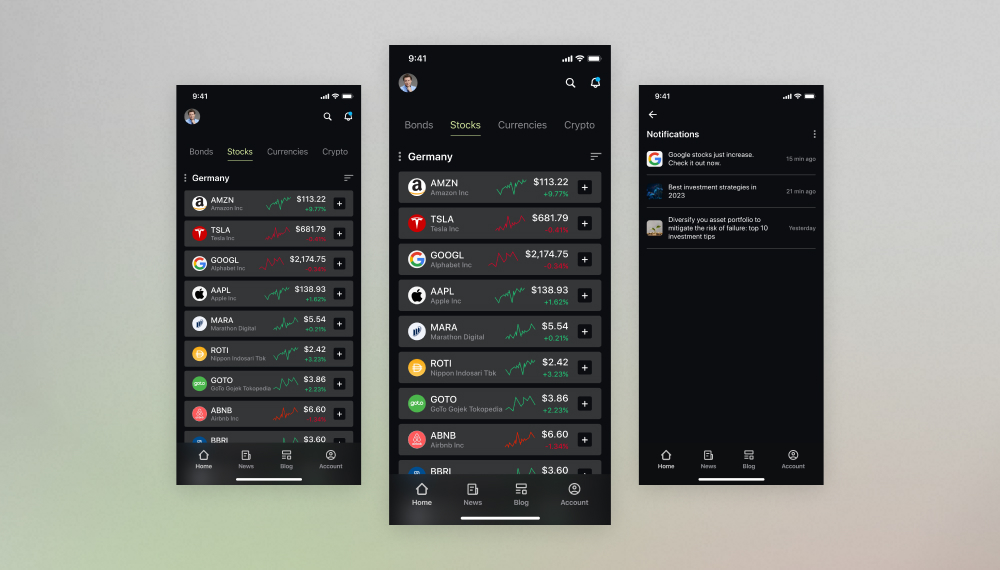
Omnichannel investment platform development
We built a feature-rich financial application to govern bank deposits, stock investments, asset portfolios, pension savings, and more under one roof.
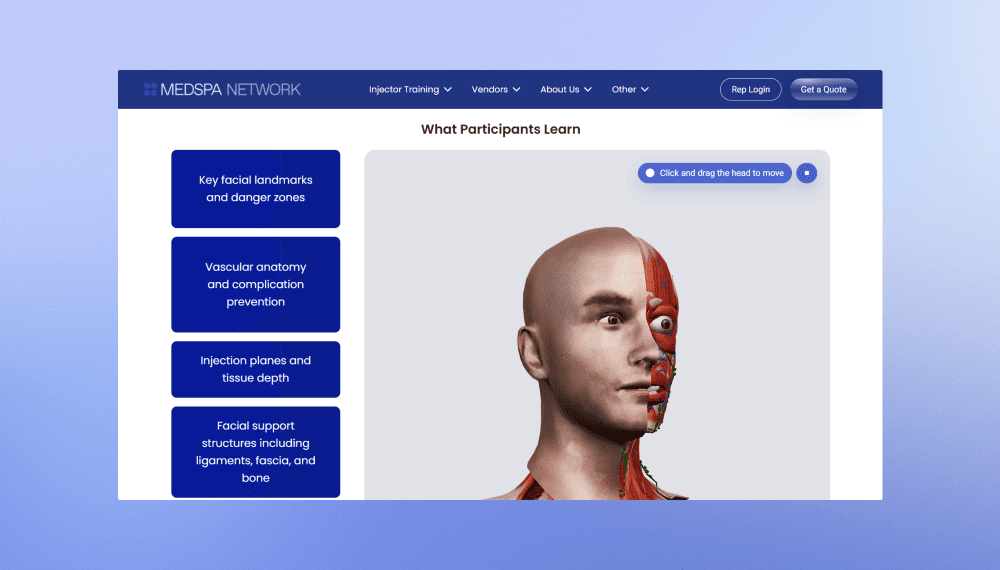
MedSpa Network website redesign and rebuild
Innowise rebuilt MedSpa Network’s website on WordPress, giving its team control over day-to-day content updates.
2 months from kickoff to launch
3-5 leads per week up from 1 per month
View case study
Client review
View case study
Client review logo. Client review

MedSpa Network website redesign and rebuild.
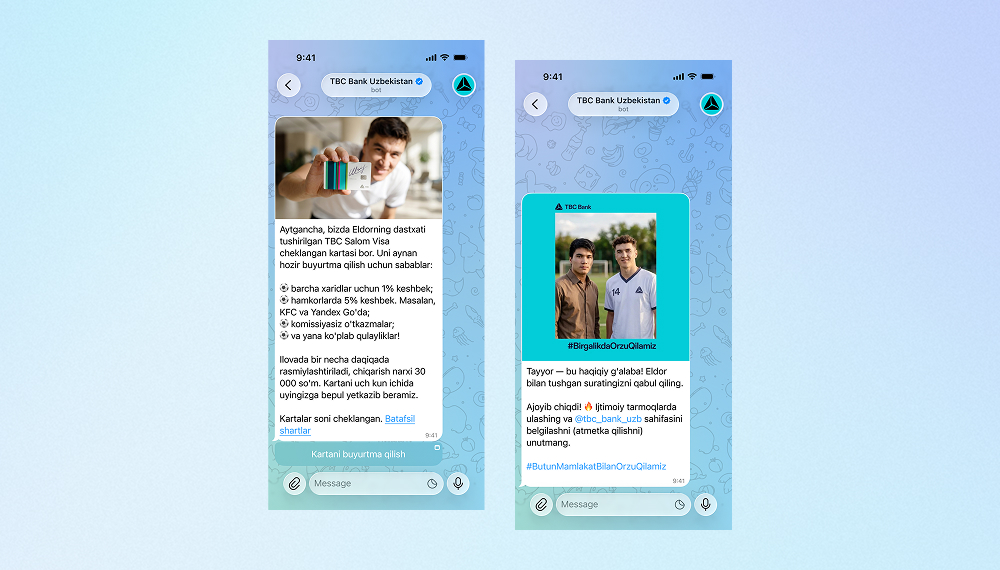
AI bot for TBC Bank marketing campaign
Innowise built a bilingual Telegram bot that generates AI selfies with TBC Bank's football-star brand ambassador.
3,000 users engaged
2 languages supported
View case study
Client review

View case study
Client review logo. Client review


AI Telegram bot..
Defining the product strategy for Bitlendex’s bitcoin lending platform
Innowise conducted a discovery phase for Bitlendex, helping the client transform an early-stage product concept into a validated business model and clearly defined MVP.
1 month for a full discovery phase
Financial advisory system for Bonnfinanz
Innowise helped Bonnfinanz to build a web-based advisory and administration system that supports mobile working and direct interaction with the client.
01 / 01
Close popup icon

Conclusion

By the time you make your final choice, you should know which requirements the CRM meets out of the box, which need paid modules, and which require development. Any unanswered item belongs in the project estimate before you sign.

I’d make the final decision with both the sales lead and the person who will maintain the system. Have them review the pilot results and three-year costs together. If a platform handles your essential workflows but demands more administration than your team can support, revisit the scope or the shortlist.

FAQ

It can be if the administration workload exceeds the team’s capacity. It helps to clarify the enterprise CRM meaning here: “enterprise” describes the complexity a system can support, rather than the number of employees required to use it. Compare editions to find the features you need without taking on unnecessary administration.

Give each vendor identical workflows, data volumes, security requirements, and pricing assumptions. Use a documented architecture review, such as Microsoft’s framework, to structure technical checks.

Test task accuracy, permission boundaries, human review, and cost per completed task. Salesforce’s security guidance explains the controls to examine.

There’s no defensible universal duration. Request a schedule tied to configuration, connections, migration rehearsals, acceptance testing, and rollout; migration complexity alone can materially change the work.

Plan for inaccurate migrated data, difficult connections, conflicting workflow requirements, and sales-team adoption. Assign owners and acceptance tests; Innowise’s implementation process covers these delivery areas.

No. Move records needed for current operations and approved reporting or retention requirements; assess older material for archival access. Microsoft’s migration guidance recommends reviewing relevance and segmenting data before loading it.

Show all

Table of contents

    Contact us

    Book a call or fill out the form below and we’ll get back to you once we’ve processed your request.

    Send us a voice message
    Attach documents
    Upload file

    You can attach 1 file up to 2MB. Valid file formats: pdf, jpg, jpeg, png.

    By clicking Send, you consent to Innowise processing your personal data per our Privacy Policy to provide you with relevant information. By submitting your phone number, you agree that we may contact you via voice calls, SMS, and messaging apps. Calling, message, and data rates may apply.

    You can also send us your request
    to contact@innowise.com
    What happens next?
    1

    Once we’ve received and processed your request, we’ll get back to you to detail your project needs and sign an NDA to ensure confidentiality.

    2

    After examining your wants, needs, and expectations, our team will devise a project proposal with the scope of work, team size, time, and cost estimates.

    3

    We’ll arrange a meeting with you to discuss the offer and nail down the details.

    4

    Finally, we’ll sign a contract and start working on your project right away.

    More services we cover

    arrow