1. Insurance-specific workflows
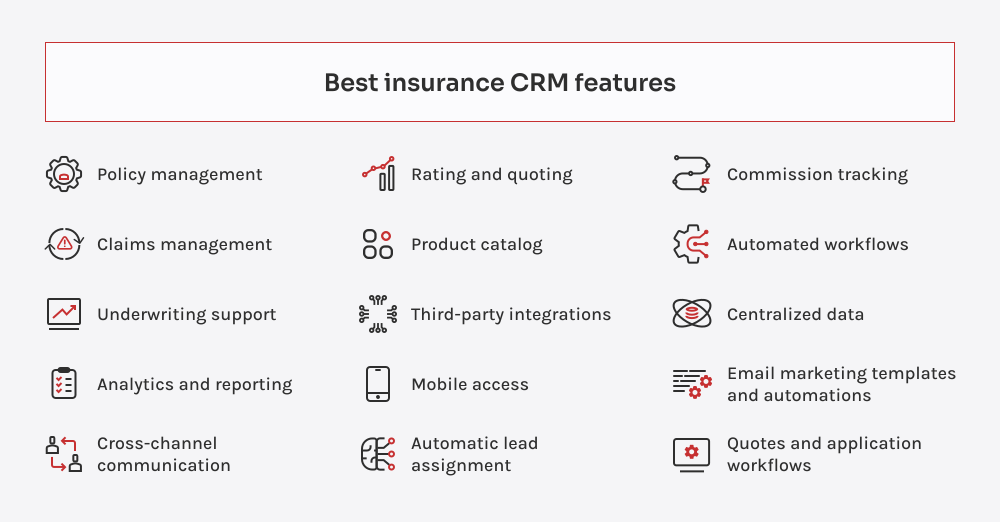
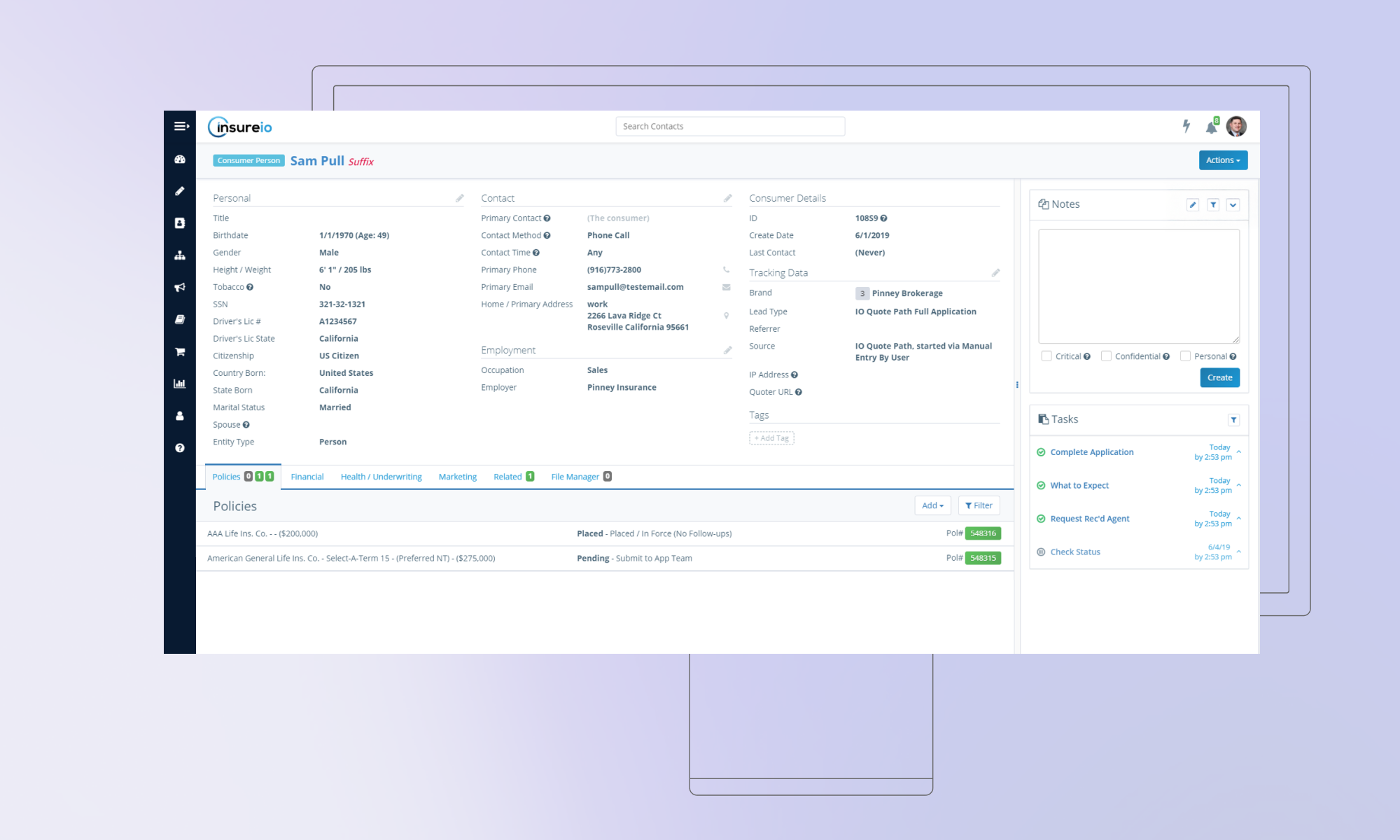
I start with policy management. If it can’t handle multi-line setups, layered coverage, renewal cycles, and carrier-specific fields without creating chaos, it’s out. Same for claims. I’m not satisfied with “claim status” tucked into some obscure tab. I want real-time updates, timeline views, and smart alerts. If a client calls asking about their claim and the agent has to say, “Let me check with operations,” that CRM’s already failed.
Underwriting is next. The good ones help you standardize risk logic and apply it across the board. The bad ones? They make you retype the same data five times, five different ways. I’ve seen teams lose days to that kind of inefficiency.
2. Intelligence and visibility
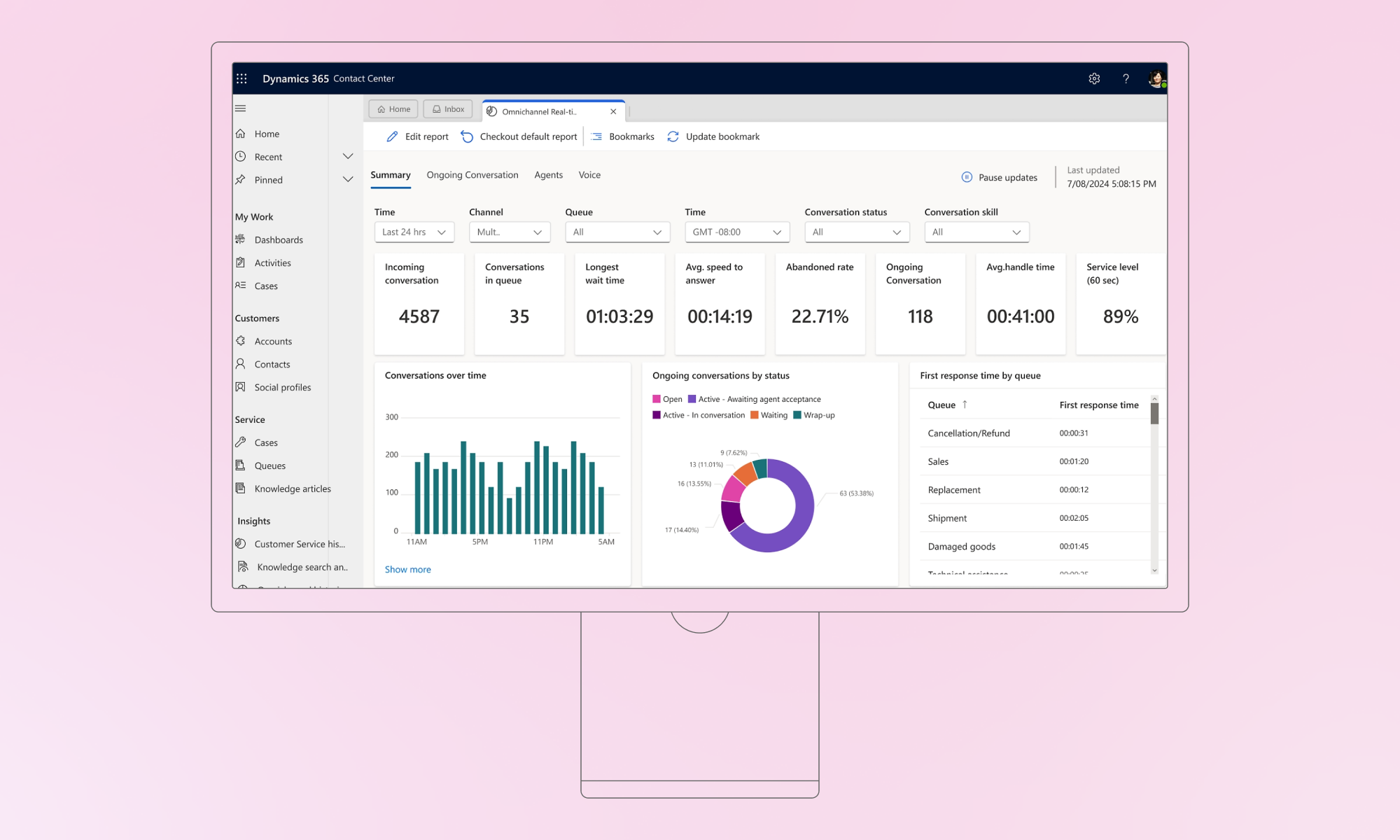
Then I dug into data analytics. You’d be surprised how many systems collect everything and surface nothing. I’m looking for churn signals, cross-sell patterns, commission inconsistencies, and I want them visualized. Dashboards, not downloads.
Centralized data is non-negotiable. If I find three versions of the same client record, scattered notes, or missing touchpoints, I flag it. A CRM’s job is to create clarity, not more clutter.
Commission tracking is another make-or-break. Agents should know exactly what they’ve earned. Managers should be able to reconcile payouts without spreadsheet therapy. If they can’t, don’t expect adoption to stick.
3. Communication that actually connects
Communication tools are often overlooked until they cost you business. I want to see built-in texting, emailing, and even calling. Everything is logged. Everything is triggerable. A client’s policy is up for renewal? The CRM should know that and act on it.
Marketing automation should be baked in, not duct-taped on. Drip campaigns. Renewal nudges. New customer onboarding. It’s the difference between teams chasing leads manually and staying top-of-mind automatically.
Same for quotes and applications. Clients shouldn’t be toggling tabs or filling out PDFs. The whole process (quote request, form fill, submission) should live in one clean flow.
4. Automation and efficiency
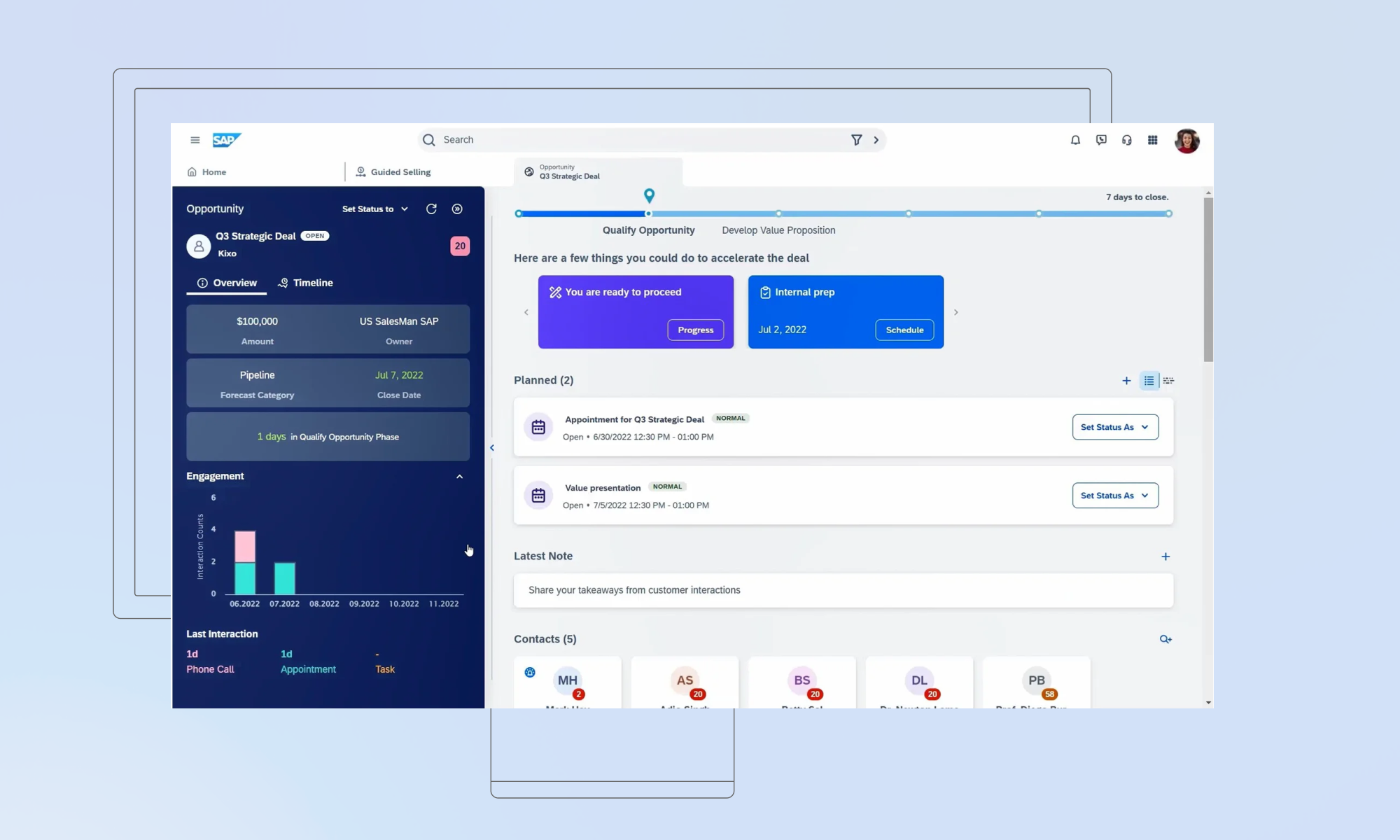
Smart lead routing isn’t optional. Whether by geography, license, language, or product line, if your CRM can’t assign leads automatically, you’re wasting hours and likely losing deals.
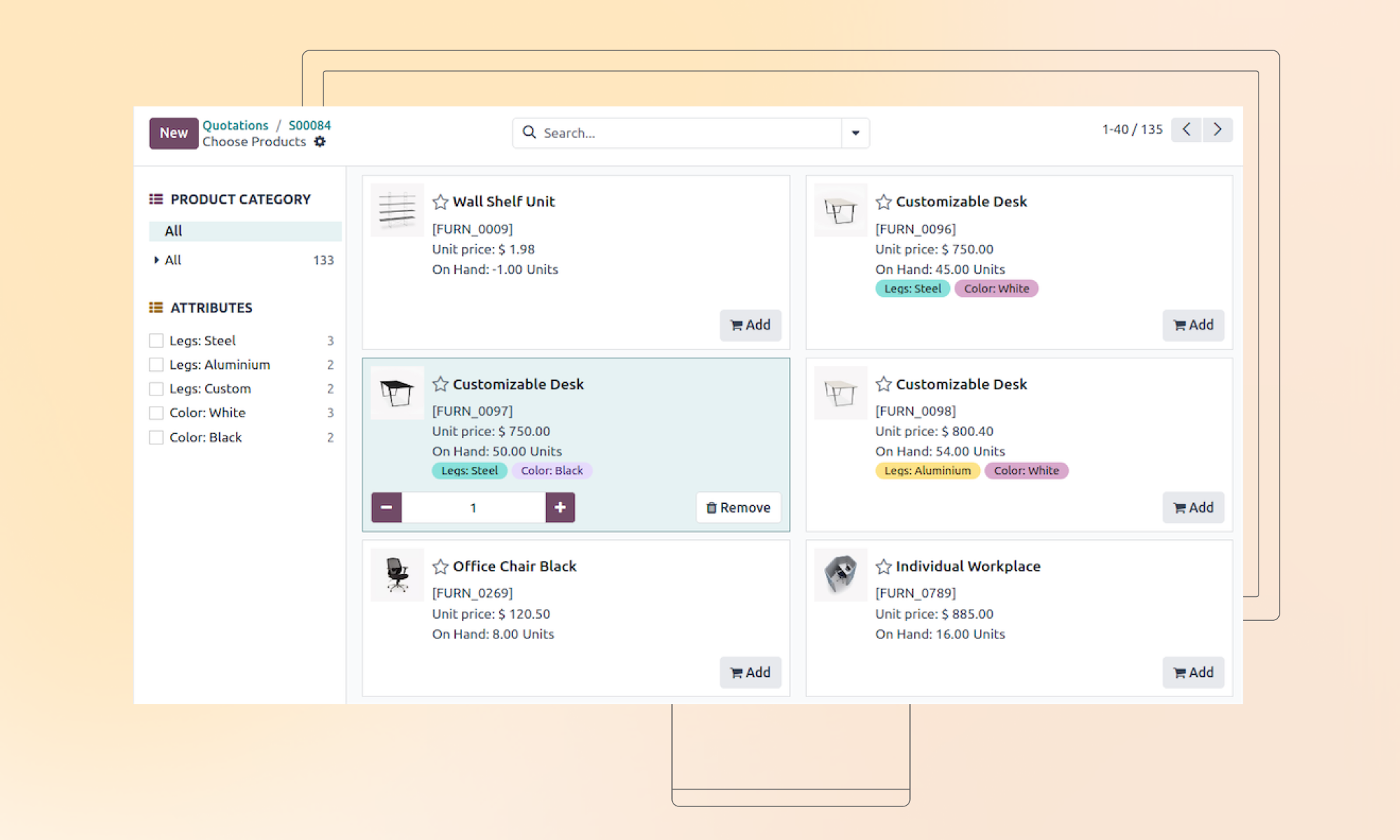
Product catalogs matter more than people think. Smart templates, bundled offerings, and cross-sell prompts reduce quoting mistakes and speed up closings.
Workflows? Automate them. Follow-ups, task creation, and status changes, if it’s repeatable, it should be automated. Anything less just creates busywork.
5. Tech flexibility and field readiness
Integrations are a big one. If your CRM doesn’t talk to DocuSign, for example, your accounting software, your quoting tools, your team ends up doing double entry, or worse, not doing it at all. The best CRMs play nice with others.
And finally, mobile. If your field agents can’t load a client’s policy, update a note, or send a follow-up from their phone on the spot, you’re just asking for missed info and slower sales.
 About us